
Why Your AI Answers Feel Lazy — And How to Fix Them
Learn why vague prompts produce generic AI answers and how to improve results with context, constraints, roles, examples, and clear output formats.


Updated June 4, 2026
You ask AI a question. It answers quickly. The wording is polished. The paragraphs are neat. And yet the answer feels thin, obvious, or strangely empty.
Most of the time, that does not mean the model is bad. It means the prompt gave it too much room to be average.
AI systems are very good at producing a plausible response when the task is fuzzy. If you ask for “ideas,” “advice,” or “help” without much detail, the model usually reaches for the safest generic answer it can build. That is why so many AI replies sound competent on the surface and forgettable a minute later.
The good news is that lazy-looking answers are often fixable. A few small changes to your prompt can make the model sharper, more specific, and more useful.
Why vague prompts create generic answers
When you write a vague prompt, the model has to guess:
- who the answer is for
- what level of depth you want
- what constraints matter
- what “good” looks like
- what format would actually help
If you do not define those things, the model fills in the blanks with an average version of the task.
For example, this prompt is too open:
Give me ideas to improve my website.There is nothing technically wrong with it. But the model has no clue whether your website is a SaaS app, a local bakery, a consulting firm, or a personal portfolio. It also does not know whether you want copywriting ideas, conversion ideas, UX fixes, or SEO improvements.
So it gives the kind of answer that could apply to almost anything:
- improve the homepage
- make navigation clearer
- use better calls to action
- optimize for mobile
That is not wrong. It is just not very helpful.
The five prompt upgrades that usually fix the problem
You do not need a giant prompt template. You need a few reliable ingredients.
1. Add context
Tell the model what the task is really about.
Instead of:
Give me ideas to improve my website.Try:
I run a SaaS product for people who compare AI models. My homepage needs to explain the product clearly to first-time visitors and increase free signups. Give me 7 ideas to improve clarity and conversion.Now the model knows what kind of product it is dealing with, what the audience likely cares about, and what the goal is.
Context narrows the search space. That alone improves the answer.
2. Add constraints
Constraints are where a lot of prompt quality comes from.
They tell the model what to optimize for and what to avoid.
For example:
Give me 7 homepage improvement ideas.
Focus on messaging and structure, not visual redesign.
Avoid generic advice like "make it cleaner" unless you explain exactly what should change.
Keep each suggestion under 60 words.
Without constraints, the model often sprawls. With constraints, it has to make decisions.
Good constraints can cover:
- length
- audience
- tone
- budget
- risk tolerance
- what not to include
- output order
3. Give the model a role
Role prompting works best when it changes the model’s frame, not when it becomes theater.
This is weak:
You are the greatest genius marketer of all time.This is better:
Act like a conversion-focused UX writer reviewing a SaaS homepage for clarity, trust, and signup friction.That role gives the model a useful lens. It helps the response stay focused on a real kind of judgment.
The role does not need to be dramatic. It needs to be relevant.
4. Show an example
If you want a certain shape of answer, show one.
Models are much better when you demonstrate the pattern.
Example:
For each suggestion, use this format:
- Problem
- Why it matters
- Suggested fix

Example:
- Problem: The headline is too abstract.
- Why it matters: New visitors do not understand what the product does in five seconds.
- Suggested fix: Replace the headline with a concrete statement about comparing multiple AI models in one workspace.
This is one of the fastest ways to stop fluffy responses. You are no longer asking for “help.” You are specifying the answer design.
5. Ask for the output format you actually need
People often forget this part.
If you need a checklist, ask for a checklist. If you need a table, ask for a table. If you need copy options, say how many. If you need a final draft you can paste into a doc, ask for that directly.
Instead of:
Help me write a launch plan.Try:
Create a 30-day launch plan in table format with columns for week, objective, main task, owner, and success metric.Good formatting requests reduce cleanup work later. They also force the model to organize its thinking.
A stronger prompt in one piece
Here is what these upgrades look like when combined:
I run a product that lets users compare multiple AI models in one workspace.
I need ideas to improve the homepage for first-time visitors who are curious about AI tools but not yet committed to one model.

Act like a conversion-focused UX writer.

Give me 6 specific recommendations that improve clarity and reduce signup hesitation.
Focus on messaging, page structure, and proof points.
Do not suggest a full visual redesign.

For each recommendation, use this format:
- Problem
- Why it matters
- Suggested fix

Keep each recommendation concise and practical.
That prompt is not fancy. It is just clear.
Common mistakes even after you improve the prompt
Better prompts help, but there are still a few habits that weaken results.
Asking for too much in one message
If you ask the model to brainstorm, evaluate, rewrite, rank, and format all at once, the answer usually gets shallow again.
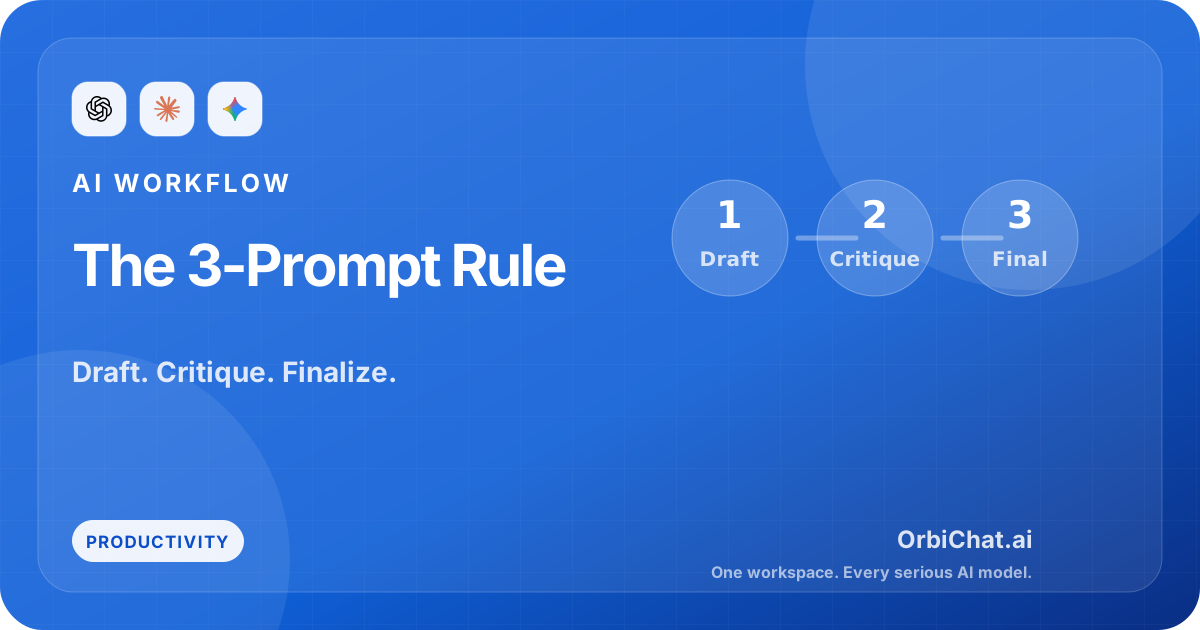
Break the task into steps:
- Ask for rough ideas.
- Ask the model to critique or improve them.
- Ask for the final version in your preferred format.
That simple workflow is often better than building one giant prompt.
Accepting the first answer
The first answer is often a draft, even when it sounds finished.
A useful follow-up is:
This is still too generic. Make it more concrete. Replace broad advice with examples specific to my product and audience.That second pass is where a lot of the real value shows up.
Forgetting that models behave differently
Prompt quality matters, but so does model choice.
One model may be better at structure. Another may be better at tone. Another may do a better job following formatting instructions. If the task matters, it is worth comparing.
That is especially true for writing, planning, critique, and research-style tasks where “good” is not only about correctness. It is also about clarity and judgment.
Try this in OrbiChat
Take one weak prompt you have used recently and upgrade it with these five ingredients:
- context
- constraints
- role
- example
- output format
Then run that improved prompt across a few models in OrbiChat.
Look for the differences:
- Which model follows the structure best?
- Which one gives the most specific advice?
- Which one sounds the most natural?
- Which one actually teaches you something new?
That comparison is useful because prompt quality and model quality work together. A better prompt lifts all models, but not equally.
Final takeaway
AI answers usually feel lazy for a simple reason: the prompt gave the model permission to stay generic.
If you add context, constraints, a useful role, an example, and a clear output format, you will usually get a much stronger response without doing anything exotic.
That is the real shift. Stop asking vague questions and hoping the model reads your mind. Tell it what the job is, what good looks like, and how you want the answer delivered.