
The 3-Prompt Rule: A Simple Way to Get Better AI Results
Use this three-step prompting workflow to get better AI outputs: start with a rough answer, ask for critique or depth, then request the final version in the format you need.


Updated June 4, 2026
One reason people get disappointing AI results is simple: they expect one prompt to do everything.
They ask for the answer, the refinement, the structure, the final polish, and the perfect tone in a single shot. Sometimes that works. Often it produces an answer that is decent, but not strong.
There is a simpler workflow that works better for a lot of real tasks: the 3-prompt rule.
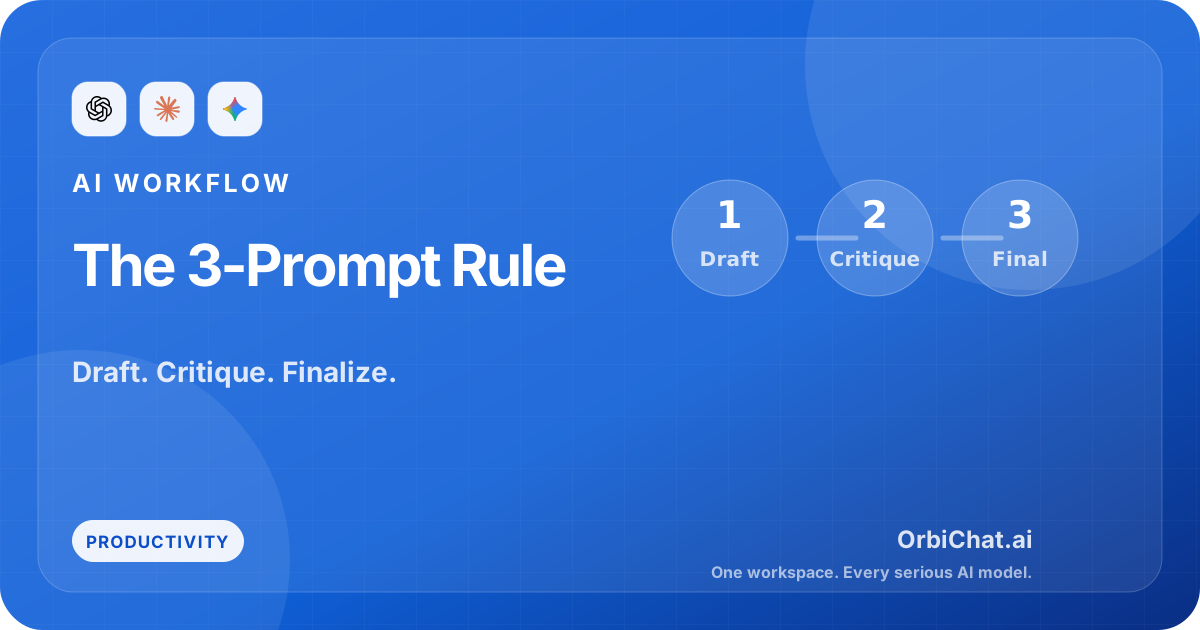
It goes like this:
- First prompt: get the rough answer.
- Second prompt: ask the model to improve, critique, or deepen it.
- Third prompt: ask for the final version in the exact format you need.
That is it. No giant framework. No prompt engineering mythology. Just a better sequence.
Why one-shot prompting often underperforms
AI models are good at responding quickly, but quality often improves when the task is staged.
If you ask for everything at once, the model has to solve multiple jobs at the same time:
- understand the problem
- decide the angle
- generate content
- critique itself
- organize the output
- polish the tone
That is a lot of compression. The answer may come back smooth, but it often lacks depth.
The 3-prompt rule works because each step has one job.
Prompt 1: Ask for the rough answer
The first prompt is not where you aim for perfection. It is where you create raw material.
Keep it focused and practical.
Example:
I need a rough outline for a blog post explaining how to compare multiple AI models for different tasks.
The audience is everyday AI users who feel overwhelmed by model choice.
Give me a simple outline with the main sections and key points.
This first step is about direction. You are asking the model to produce a draft you can work with, not a final artifact you will publish untouched.
That mindset matters. If you treat the first answer like a sketch, you will make better use of the second and third prompts.
Prompt 2: Ask the model to improve, critique, or go deeper
The second prompt is where a lot of quality gains happen.
Now that the model has a draft in front of it, you can ask it to do a more focused job:
- find weak spots
- add missing detail
- improve the argument
- sharpen the structure
- challenge assumptions
- rewrite for a different audience
Example:
Critique that outline.
Tell me which sections feel generic, which ideas are missing, and what would make the post more practical for readers.
Then give me a stronger version.
Or:
Go deeper on the most useful section.
Add practical examples and remove broad filler.
This is the step many people skip, and it is usually the difference between average output and useful output.
Prompt 3: Ask for the final version in the format you need
Once the ideas are clearer, then ask for the final shape.
Example:
Now turn this into a finished article introduction and three H2 sections.
Keep the tone simple and human.
Use short paragraphs and include one practical example under each section.
Or:
Turn the improved answer into a table with columns for task, best model type, why it works, and what to watch out for.At this stage, formatting requests become much more effective because the content is already stronger.
A full example of the 3-prompt rule
Here is a practical example using a work task.
Say you need a customer onboarding email for a product that lets people compare AI models in one place.
Prompt 1: rough answer
Write a rough onboarding email for new users of an AI workspace where they can compare multiple models.
The goal is to help them get their first useful result quickly.
You will probably get something usable but generic.
Prompt 2: improve it
This feels too broad.
Rewrite it so the message is clearer for first-time users who do not know which model to choose.
Add one specific action they should take in their first five minutes.
Remove generic marketing language.
Now the email gets more focused.
Prompt 3: final format
Turn that into a final onboarding email with:
- subject line
- preview text
- body copy

Keep it under 180 words and make the tone practical, not salesy.
That final result is usually much better than asking for the perfect email in a single prompt.
When the 3-prompt rule works best
This workflow is especially good for tasks where quality depends on iteration:
- writing
- research synthesis
- study guides
- product specs
- strategy notes
- coding plans
- resume bullets
- sales messaging
It is less important for tiny tasks like quick definitions or simple rewrites. If you only need a fast answer, one prompt may be enough.
But when the output will actually be used, shipped, published, or sent to another human, the extra two steps are usually worth it.
How to make the second prompt stronger
Many users know how to ask for the first draft. Fewer know how to ask for a productive second pass.
These follow-ups work well:
Make this less generic and more specific.What is weak about this answer?Challenge the assumptions in this draft.Rewrite this for a skeptical reader.Add examples and remove filler.The second prompt does not need to be long. It needs to be honest about what is still missing.
Why this pairs well with multiple models
The 3-prompt rule becomes even more interesting when you compare models instead of relying on only one.
One model may generate the best first draft. Another may be better at critique. A third may be best at final phrasing and structure.
That is a practical reason to use a multi-model workflow. You are not only choosing a model. You are choosing the right model for each stage of the work.
Sometimes the biggest improvement does not come from a better prompt alone. It comes from combining a better workflow with a better model fit.
Try this in OrbiChat
Use the same three-step workflow in OrbiChat across multiple models:
- Run prompt one and compare the rough drafts.
- Run prompt two and compare which model gives the sharpest critique.
- Run prompt three and compare the final formatted outputs.
That side-by-side approach makes it easy to see which model is best at brainstorming, which one is best at improving ideas, and which one is best at delivering the final version you can actually use.
Final takeaway
You do not need a complicated prompt system to get better AI results.
You need a better sequence.
Ask for the rough answer first. Then ask for critique or depth. Then ask for the final version in the format you need. The 3-prompt rule is simple, but it helps because it matches how good work actually happens: draft, improve, finalize.